Viewing entries in
Concepts

Pitch at the right level

Pitch at the right level

It is hard to put your pitch at the right level. I often see two types of mistakes:

  • Far too small: an entrepreneur pitches a device or a product without putting it in an overall context of where humanity is going. (I.e. a device that can help old people without talking about the greying of many Western societies).
  • Far too big: millennials, online video, global warming, mobile devices, the gig economy, Moore's law, everything gets put in the first 20 minutes of the pitch to show what a huge opportunity this product is, being at the centre of all these seismic changes in the world

The best pitch is somewhere in the middle.


Image from WikiPedia

SlideMagic: a platform for magical presentations. Free student plan available. LEARN MORE
The tricky point

The tricky point

The bar is rising in presentation design. More and more people know how to design decent slide, more and more people know how to explain a business concept visually.

The challenge that remains is often a very specific point. In most cases, this is the answer to an "elephant in the room" question, a very specific answer to a question an ignorant but intelligent layman might have.

Most people burry these super important points inside a "standard" slide. "Oh, that is the point I make verbally when we present the competition slide."

I tend to make these points more in your face. Dedicate a specific slide to it. Even sometimes putting things straight in the headline ("No, we are not another Google").

These slides can be hard to design. The best approach is to listen really carefully when you explain it verbally to someone. "There are 3 groups of products, 1, 2, and 3, but none of them address y". "Gasoline engines can do x, but with electrical power we can do this.". "Up until now you could not see at nanometer level, but now it is possible". Look at the sentences and see what they do. Divide things in groups (boxes), contrasts between two options, "From to". Your language gives clues about what visual concepts to use. They don't have to be sophisticated, they just should be clear. 


Image via WikiPedia

SlideMagic: a platform for magical presentations. Free student plan available. LEARN MORE

Too good to be true

Too good to be true

If this is the main message of your presentation, very few will believe you, unless you have a very credible explanation why you can offer a free lunch where others can't. "It is like magic" will not cut it. 


Image by Eva Peris

SlideMagic: a platform for magical presentations. Free student plan available. LEARN MORE

Clouds in PowerPoint

Clouds in PowerPoint

The standard cloud shape in PowerPoint is not very pretty. Especially if you need a different aspect ratio, there is no option but to stretch the shape, making it look even worse. My solution is to combine multiple cloud shapes into one to get a decent new shape (SHAPE FORMAT, MERGE SHAPES, UNION). See the example below.

It is interesting to see that merging shapes also kills the "inside" cloud contours.

You can get more sophisticated and design your own cloud shape based on circles. Here is my attempt in 2011 to recreate Apple's iCloud logo in PowerPoint.


Art: View of Haarlem with bleaching fields, Jacob van Ruisdael, 1670

SlideMagic: a platform for magical presentations. Free student plan available. LEARN MORE
How to present pros and cons

How to present pros and cons

A question came in on Twitter the other day:

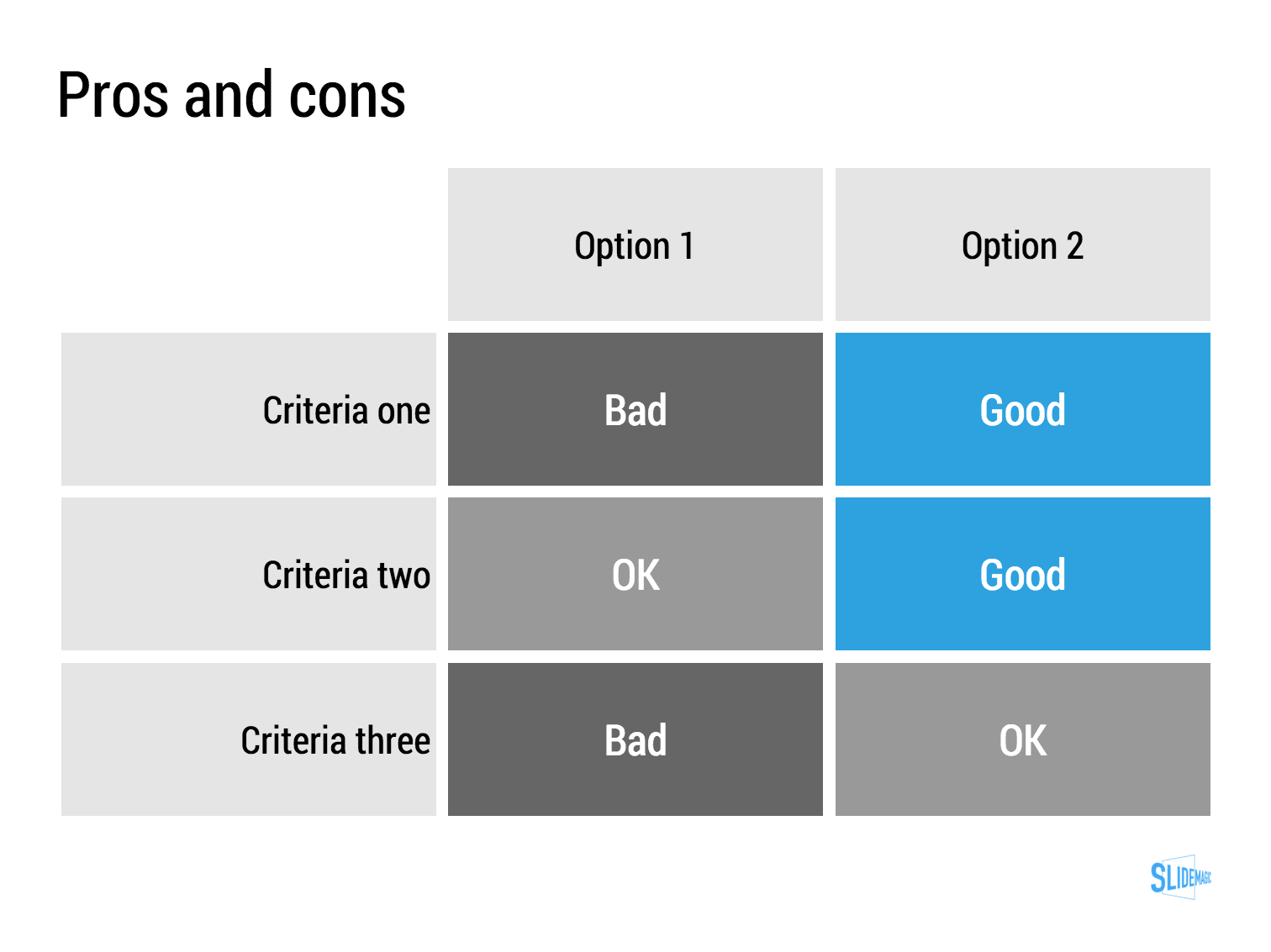
My answer is: a simple table, like this one I prepared quickly in my presentation app SlideMagic (you can clone it to your own SlideMagic account in the presentation template file that contains on the slides I have used on this blog).

The difference between a good pro/con slide and a bad one is not the design in itself, it is how your present the argument. A presentation slide is a tool to get a decision, it is not a laundry list of pros and cons that you evaluated in your analysis. Put your analysis aside, and design from a blank sheet of paper:

  • Group similar arguments together, if an argument is sort of the same, combine them
  • Sort the rows in the table in such a way that things visually line up. For example you start with rows where both options are "good" (all blues), then do the "OK/good"s, then the "OK/OK"s. etc.
  • Isolated and focus those arguments that are going to drive the decision and/or are controversial. "Option 1 is cheaper, option 2 is faster but the what will make the difference is whether we think [criterion 3] is important.
  • Cut words rigorously until you have a page that is still meaningful but does not look cluttered.

SlideMagic: a platform for magical presentations. Free student plan available. LEARN MORE
Pushing the analogy too far

Pushing the analogy too far

Analogies are great. You take a concept that anyone can relate to, and use it to explain something unfamiliar. But you can push it too far.

  • An analogy that is complex in its own right defeats the purpose
  • An analogy that only partly fits
  • An analogy for which you cannot find the appropriate professional visuals easily without an advance degree in Photoshop
  • An analogy that is number 12 in a series of completely unrelated analogies for every single concept in your presentation
  • An analogy that is not "serious", it undermines the professionalism of your presentation, a bit of humour is OK, college humour is not.
  • An analogy that is a cliche

Or, like in the Accenture ad below, you are actually insulting your target group.


Good analogies are pretty much the opposite of the above. They are simple, fit the subject, are easy to visualise, and ideally, can cover all aspects of your story.

SlideMagic: a platform for magical presentations. Free student plan available. LEARN MORE
Meaningless quotes

Meaningless quotes

Social media is full of inspirational quotes, and some of them make their way into business presentations as well. I am not a big fan of them. A few nice ones from Quartz:

“By maturing, we self-actualize.”
“We dream, we vibrate, we are reborn.”
“Choice is the driver of purpose.”

And now there is research that found a negative correlation between people who like these quotes and IQ (it looks genuine).

When are quotes useful in presentations?

  • When they are relevant to what you are talking about
  • When they are given by someone with credibility
  • When they have a nice, unexpected, twist or contradiction
  • When they are not cliche
  • When they are easy to read/digest (most of the time, this means short)

It is not very often that you find one that matches all these criteria.

UPDATE February 2018: I have added a new post about using quotes in PowerPoint to the blog


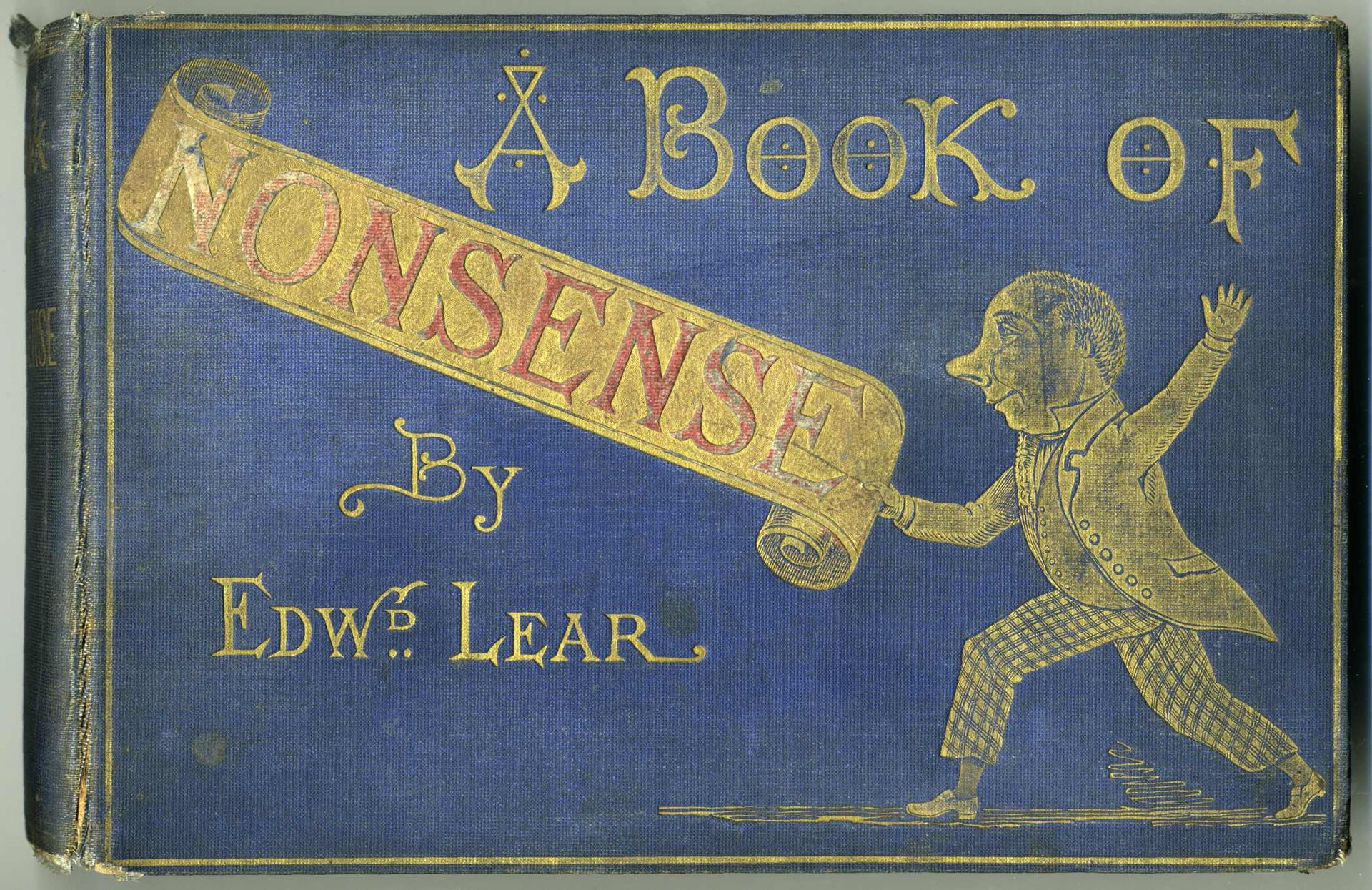
Image: The book of nonsense by Edward Lear

SlideMagic: a platform for magical presentations. Free student plan available. LEARN MORE

Multiple weak signals make a strong one

Multiple weak signals make a strong one

I played around with the new "connectors" in my presentation app SlideMagic and used them to create a chart that visualises how multiple weak signals can come together into a strong one. I have added this chart to the SlideMagic template with charts that I discussed on the blog, you can clone it to your SlideMagic account here.


SlideMagic: a platform for magical presentations. Free student plan available. LEARN MORE