Viewing entries in
Story

Anticipating the next question

Anticipating the next question

We all understand that story telling is a better way to get an idea across than reading out bullet point after bullet point. Still, most presentations happen in a business context. And in business, people do not have the patience a movie audience has (15 versus 90 minutes).

One approach I use to plan a story flow for a business presentation is anticipating the next question of a smart audience. Each pitch, each situation, each industry, each vertical, each country, each type of meeting has their own sequence of questions:

  • What is it they actually do?
  • Will it work?
  • Why is this a big deal?
  • Why has this not been done before?
  • Can they pull it of?
  • Can people game the system?
  • Will anyone sign up for this?
  • What happens if Google enters the market tomorrow?
  • Can they make money?
  • Will people pay for this?
  • Can they sell it?
  • Are they focused enough?
  • How financially stable are these guys?
  • Do I like these people?
  • What is the accent?
  • When is lunch?
  • Do they have data to prove it?
  • Why did no one else invest?
  • Isn't this exactly the same as the idea I heard last week?
  • How can a 25 year old make this happen?
  • Can it scale?
  • Will the government agree to this?
  • What if a "Black Swan" event happens?
  • Why is she not answering my question?

Text book structures for business presentations follow a generic, logical sequence of questions. Your pitch might have to deviate from that.

SlideMagic: a platform for magical presentations. Free student plan available. LEARN MORE
Convincing the centre

Convincing the centre

The presidential campaign is gearing up in the US, and opinion pages and social media posts are full of passionate declarations of support and/or disapproval of a specific candidate. Most of these are not going to convince people to change their mind though.  In most cases, the audience and the "presenter" probably agree already, they read the same newspaper, watch the same channel and are friends connected on social media.  

To make change, you need to convince the people that are doubters, the people in the centre. You don't do that by implying that supporters of the other side are not very smart or insulting them in other ways.

Think about the doubters, what it the final straw that might convince them to switch sides?


Image from WikiPedia

SlideMagic: a platform for magical presentations. Free student plan available. LEARN MORE
Repetition = boredom

Repetition = boredom

In big presentation days with lots of decks you get the inevitable situation that some slides fit in multiple presentations. Some presenters double them up, and start presenting the slide (after the apology "you have seen/heard this before" as if it was the first time).

Don't. Repetition is boredom. Your audience can/will remember. You have 2 options:

  • A super short "taste" of what is about to come later. I.e., introduce what a certain company does briefly, without going into any detail or background. Do the full elaborate presentation the second time around with a quick reference to your earlier slide
  • Do the full presentation early on, and give a very small recap of the story later when it comes up the second time. One solution is to present a thumbnail screen shot of the original slide plus 2 bullet points (oops, yes I said it) of the key take aways of the slide.


SlideMagic: a platform for magical presentations. Free student plan available. LEARN MORE
Storyfying financials

Storyfying financials

Most presentations have some sort of written summary on the first page. You often almost skip it when presenting live, but it can be important for an important that reads your slide deck at the computer rather than attending a live presentation.

The one thing that I find really hard to summarise are financials. Prose that goes like "sales were x, up y% compared to last quarter but z% versus the same quarter last year at a slightly higher operating margin of v%" makes me totally lose the picture.

Financial journalists fill pages of the Wall Street Journal with this type of texts. And they are upset that it is now possible for an automated bot to do this job: insert a financial table and out comes a perfectly written paragraph. (Robo journalism)

What do I do as a reader? I reconstruct the table back in my head. 

So what to do in a presentation? I recommend a super simple written summary on page 1 (sales were up, but profits down), and then a very crisp financial summary table on the next page. Round up numbers, and use colour coding to show what went up or down.


Image from WikiPedia

SlideMagic: a platform for magical presentations. Free student plan available. LEARN MORE
"Ooff, but we answered you already"

"Ooff, but we answered you already"

Often, when I start a presentation design project, I find that the real message of a pitch is buried.

  1. Buried under buzzwords and jargon that make the pitch sound the same as any other presentation out there
  2. Buried under "short cuts": this is a bigger problem. Over time, the company has developed an internal proprietary language where certain key terms summarise the entire concept behind the company. The insiders understand it perfectly, to an outsider it sounds meaningless.

As a result, I tend to get back to the same questions in a briefing meeting. "Why are you different again? What is the difference between your product and the one that company is offering?" My first version of a slide deck often contains deliberately blunt charts that force the client to react and correct a positioning that I think I understood (sort of).

Some people in the room fear that they hired the wrong presentation designer, who keeps on asking the same ignorant questions. Most of the time, I manage to convince them by the time my final product is delivered.


Image on Flickr by Nic McPhee

SlideMagic: a platform for magical presentations. Free student plan available. LEARN MORE
Presentation design without the design

Presentation design without the design

Most business presentations can be done perfectly without sophisticated and complex visual concepts. That image of an elephant balancing on a ball, or a 3 dimensional constellation of rotating database cylinders might not be necessary to get your point across.

Instead focus on the non-design challenges:

  • Finding nice full page images that can introduce the problem you are trying to solve
  • Recutting, regrouping, re-wording the key problems and your solution in a very clear and crisp table
  • Deciding what are the key statistics and data you want to use to show that your solution works and that the company is having momentum
  • Organising the more "boring" facts about your product/company in some decent looking tables in the back of the deck (team, product offering, pipeline, terms, etc.)

Full page images, tables, and simple graphs, that's all  you need (and all you will find in my presentation app SlideMagic). Doing more complicated things is more risky:

  • A perfectly executed simple slide looks a lot better than an amateurish looking effort at something that is more than you can pull of.
  • You can hire an expensive graphics designer to do the concept for your, but her style will be dramatically different from the slides you want to add yourself to the deck last minute

Keep it simple, and do that really well.

SlideMagic: a platform for magical presentations. Free student plan available. LEARN MORE
Presentations are short cuts

Presentations are short cuts

Many of a company's operational processes have become a lot more efficient over the past decades, partly with the help of automation and computers.

Above the factory floor, middle management of corporations gets more efficient as well. Computers take over routine tasks, and slide/dice data so it becomes easier to make decisions.

Human communication among decision makers is pretty inefficient. People are bad at formulating and selling their ideas. Presentations have helped though: they have replaced long-winded memos and forced people to get to the point faster. Visuals are easier to digest, and more importantly, it is faster to skip through useless pages of a presentation (PGDN, PGDN) than looking for "the meat" in a text document.

This realisation might help you with the design of your everyday presentations. It should look decent. It should get to the point. It should show interesting, unusual, unexpected facts and insights. You want to get to a decision, you are not aiming to publish a complete, scientific document.

Here is where my presentation app SlideMagic comes in, adding even more shortcuts to make corporate decision making more efficient, and less cumbersome, boring and time consuming.


Image from WikiPedia

SlideMagic: a platform for magical presentations. Free student plan available. LEARN MORE
The audio recording test

The audio recording test

Next time when you do a pitch in a 1-on-1 meeting record the audio (obviously ask your meeting guest). Back in the office, play it back with the slide presentation closed. Hit pause after every major point and scribble/sketch a quick chart you would use to make that point. When finished, compare your scribble with your slide deck and make the required changes.


Image on WikiPedia

SlideMagic: a platform for magical presentations. Free student plan available. LEARN MORE
"It takes too much time to get to the solution"

"It takes too much time to get to the solution"

Clients say they get this feedback after giving a pitch. The initial reaction to this would be:

  • Cut slides from the deck
  • Take the specifics out of your text, make it shorter and more high level
  • Combine multiple slides into one

The danger of this is that you end up with a few slides of highly generic and dense bullet points.  Remember:

  • Slide count does not equal time spent presenting them
  • Smacking someone with the solution in their face instantly takes away the opportunity to lead them by the hand in an interesting story that covers the problem you are trying to solve.
  • The best way to sell the solution is to sell the problem

Here is what I do:

  • Create a super short intro slide that explains the audience what you solve and what you do. So they can stop guessing about the point you are trying to get to.
  • Now, lead people through a sequence of visual slides that highlight the problem, slowing down sufficiently to make sure that the audience "feels" the issue. "Production cost is too high" is too generic. Why is it so expensive, and why could no one do it cheaper until today?
  • Then, present your solution and use the framework of the problem you set up in the previous section to mirror your product against markets that are out there in the market today

Image by David Felstead on Flickr

SlideMagic: a platform for magical presentations. Free student plan available. LEARN MORE

Teach them how to think about you

Teach them how to think about you

This debate on the Fred Wilson blog whether you should look at Twitter in terms of monthly active users who log in, or (the much larger number of) people who view/get exposed to tweets is an important lesson in investor presentation design: sometimes you need to educate your audience how to think about you.

Investors like benchmarks that they can compare quickly across stocks, like features of car: EPS, CAC, churn, MAU, eye balls, beta, EV/EBITDA. If your company does not fit the traditional pattern you need to make sure your audience understands it.


Image from WikiPedia

SlideMagic: a platform for magical presentations. Free student plan available. LEARN MORE

Clever categorisation

Clever categorisation

Categorisation is a key skill for presentation designers. Raw material usually consists of lists of bullet points: some are detailed, some are generic, some are important, others not, some overlap, sometimes lists are not complete.

Moving around these points, grouping, categorising them is an important part in the design process. Next is the decision what issues to tackle on what slides. Where can you condense, where do you need to break things up over multiple visuals.


Image from WikiPedia

SlideMagic: a platform for magical presentations. Free student plan available. LEARN MORE

Too good to be true

Too good to be true

If this is the main message of your presentation, very few will believe you, unless you have a very credible explanation why you can offer a free lunch where others can't. "It is like magic" will not cut it. 


Image by Eva Peris

SlideMagic: a platform for magical presentations. Free student plan available. LEARN MORE
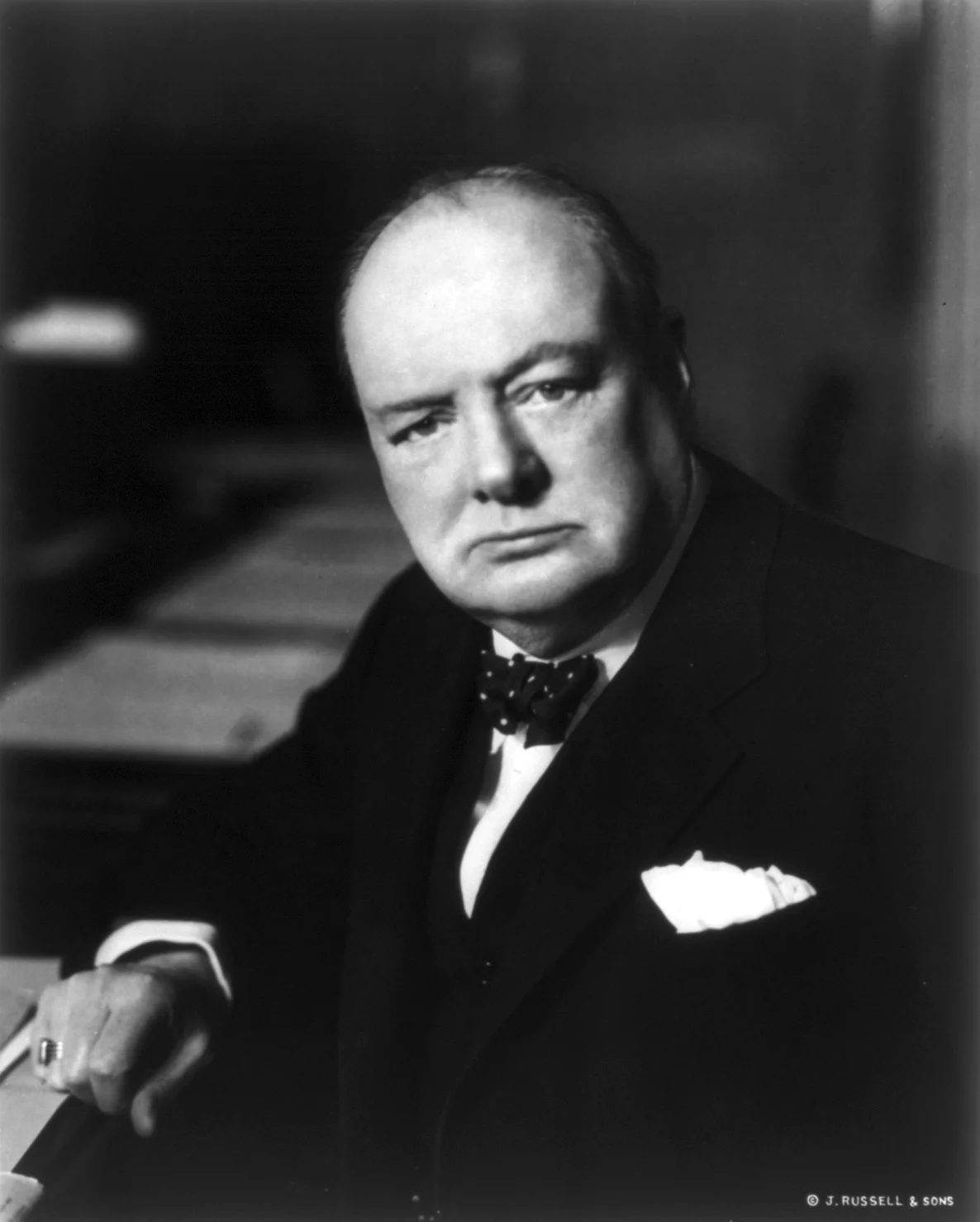
Brief memo by Churchill on brevity

Brief memo by Churchill on brevity

Still relevant today:

SlideMagic: a platform for magical presentations. Free student plan available. LEARN MORE
Quotes in presentations

Quotes in presentations

Most quotes in presentations do not add to the story:

  • Too long to read
  • Too many buzzwords and generic language
  • Given by a person nobody has ever heard of
  • Given by a person with a position that is not very impressive (junior analyst at unknown consulting company)
  • Give by a person who is very famous but has nothing to do with the subject (Ghandi)
  • Used too many times

What can you do better? Find the right person, and get them to say something specific, clear, and simple: "This solution saved the launch of product [x]!" 


UPDATE February 2018: I have added a new post about using quotes in PowerPoint to the blog

SlideMagic: a platform for magical presentations. Free student plan available. LEARN MORE
Management vocabulary

Management vocabulary

This picture by Anouk Zwager has an interesting list of common management vocabulary in the Netherlands. Part of these words sound perfectly fine to an English speaking audience, but in a Dutch context, with many words in the Dutch language available it just does not feel right.

I will try to translate, some of them might not work:

  • To roll out
  • To make an areal approach
  • To hook up
  • To smack on something
  • To sound board (verb)
  • To hit a marker stick in the ground
  • "Bila" short for bilateral discussion
  • To benchmark
  • To level
  • To secure (like you do with a ship wreck)
  • Low hanging fruit
  • Quick wins
  • To scale up
  • To wrestle
  • To harmonize
  • To shoot at something
  • Commitment
  • To press ahead
  • To shoot on goal
  • To tick the box
  • To hit the gas
  • Hands on
  • To "further develop"
  • To crystallise
  • To adjust downwards
  • Out of the box
  • To "communicate further"
  • Pro-active

SlideMagic: a platform for magical presentations. Free student plan available. LEARN MORE

Spending time on the problem

Spending time on the problem

In a pitch there is always pressure to keep things as short as possible. It is therefore tempting to compress the problem you are solving is as few words as possible: "[x] is not very flexible", because hey, people know this, right?

I tend to drag out the problem section of the pitch a bit:

  • Remind people of the problem in an emotional way, that they "feel" it, usually with a picture or a statistic
  • Point out what is the cause of this problem, it is often soften very trivial that people did not realise. ("Did you know the reason is that there are no batteries light enough to do this?")
  • Point out why it is so hard to solve the cause (not the problem itself). ("The law of physics that you cannot have this, and this at the same time)

Now you have set up the audience to show why your solution is so clever.


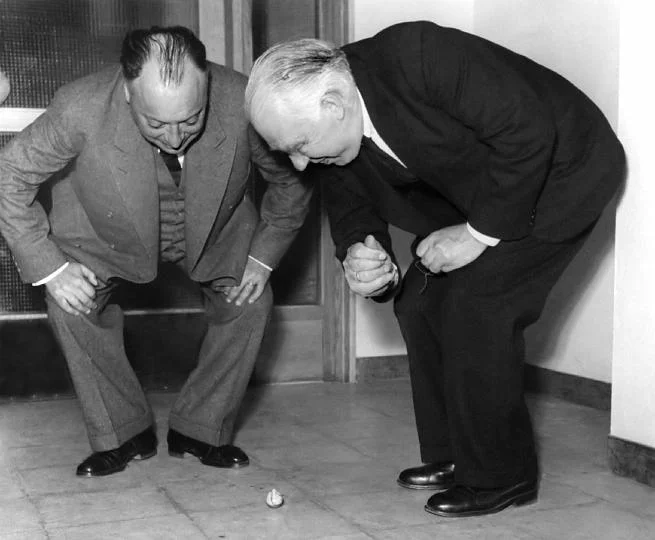
Image: Wolfgang Pauli and Niels Bohr demonstrating 'tippe top' toy at the inauguration of the new Institute of Physics at Lund; Sweden

SlideMagic: a platform for magical presentations. Free student plan available. LEARN MORE
Problem and solution go hand in hand

Problem and solution go hand in hand

I usually spend 80% of the production section of a pitch on the problem, and 20% of the solution. That might seem an uneven balance. But in fact, these two sections are one and the same thing, they go hand in hand. The way you frame the problem, sets up the way you introduce the solution.


Image: Wikipedia

SlideMagic: a platform for magical presentations. Free student plan available. LEARN MORE
Corporate language simplification is next

Corporate language simplification is next

A lot of the progress of humanity boils down to improving and simplifying communication. There were huge wins when we figured out how to speak and coordinate hunting strategies, learned how to read/write/print books, speak long distance instead of taking the ocean liner, video, etc. etc.

More subtle improvements happened as well. Clear, simple language impacts the premium/position that bosses, priests, doctors, lawyers, politicians, can command. Long-winded corporate memos and formal letters made way for informal emails and now messaging to get to the point, quickly.

What we lose in style, we gain in efficiency and clarity. Gone are the beautifully hand-written letters without grammatical errors. Now we have the universal "business English" with a tiny vocabulary, full of mistakes, and pronunciation can be whatever you see fit. The English might not be perfect, or sophisticated, its meaning is crystal clear.

The same happens to corporate language. Management consultants took a first stab at making memoranda logical and structured. The exhibits in these documents slowly become more important than the written words themselves. And now presentation software/slides has become the main language in which we do business.

We need a crisp, simple, visual language to get a business concept across. Everyone can understand it, everyone can use it. That's what I am trying to do in the presentation app SlideMagic.


Art: Pieter Breugel the Elder, The Tower of Bable, 1563

SlideMagic: a platform for magical presentations. Free student plan available. LEARN MORE

The impatient audience

The impatient audience

When I am reading I switch in different modes:

  • Losing yourself in a novel and forgetting the time
  • Digging through an article to find the acquisition price that was paid for a company
  • After having failed to resist the click bait title, looking for the answer to the question it raised
  • Absorbing every background aspect of the making of a certain music album

"Newspaper" journalists often get this wrong. They think they are writing for a person sipping a glass of wine and sitting in front of a burning wood fire, while most often they are not.

Hardly any business presentation is digested in the lounge chair. The audience:

  • Has no time
  • Is constantly distracted by calls, emails, messages
  • Thinks that they know it all already and tries to put your idea in a box that is familiar
  • Is clicking down and clicking down and wondering when they get to the point already

The captive TED Talk audience is in the lounge chair sipping wine. The venture capitalist is scrolling down your slides on her mobile while wondering whether the elevator button "1" or "0" will get you to the lobby.

BTW: Happy 2016 to everyone!


Art: Edouard Manet, Young Woman Reclining in Spanish Costume, 1862-1863

SlideMagic: a platform for magical presentations. Free student plan available. LEARN MORE

Your audience has heard it before

Your audience has heard it before

You are only aware of your own sales or investor pitch. Your audience (investors, clients) sit through dozens of them. After 10 sales or investor pitches in a certain industry, they probably understood the key industry trends, and in their heads they are wondering how you are different from the others.

Have the "101" slides ready, but the body language of your audience should tell you whether you are the first presentation they are watching, or number 12.


Image by Malcolm Carlow

SlideMagic: a platform for magical presentations. Free student plan available. LEARN MORE