"Here is where I always stop..."

"Here is where I always stop..."

If you find yourself interrupting your story flow repeatedly at a certain point in your presentation, it is probably time to review the story line. Why not create visuals that support that important breaking point in the presentation?

Most story flows start with a logical sequence/structure, but sometimes we find out in the dialogue with the audience that they are missing an important piece of data or background early on in the story. After 10 runs of the presentation, and 10 questions, we pre-empt the question the 11th time.

Break the logic to build the story.


SlideMagic: a platform for magical presentations. Free student plan available. LEARN MORE
Does your presentation need video?

Does your presentation need video?

Should you include a video in your investor presentation or sales presentation? "Video" is a very generic term for different types of videos. Whether you need them depends on your specific situation.

  • An quick capture of a spontaneous 1-2 minute pitch can be a great way to convey your idea in a conversational style. In front of the camera, people are much more focussed and to the point than in a regular presentation setting. In case of an investor pitch, a short video can give a potential investor a good first impression of the management team without the need to schedule a face-to-face meeting
  • A 1-2 minute cartoon or product commercial is a lot more expensive and time consuming to make. If you use talented cartoonists and/or actors, a video can be a much more effective way to get your message across than via slides. Consider it when you can use the video for multiple occasions, your presentations, but also online to share it with a very large audience. Unlike slides, videos are very hard to change, so you need to have your messages completely nailed before you commit your investment. Some videos however make a point that could easily have been made in 2 simple slides. These types of videos give the best ROI when there is an unexpected twist or slightly or a slightly more complicated story to tell.
  • Costumer feedback is great to capture on camera. A "live" reaction of a real person is so much more impactful than a boring quote full of buzzwords on a slide. Customer interviews are not very expensive to make.
  • Some technologies require complicated 3 dimensional visualisations, very hard to do in presentation slides, very easy to do in a video. In many startups, these videos get used over a long period of time. To protect your investment, make the video as clean as possible without audio, or text and typography. You can still use your video when the story changes a bit. I use these clean videos a lot as sources of high resolution screenshots. Instead of showing the full clip, I take 3-5 screen shots and add comment boxes on slides.
  • Videos can be great to explain a problem and the corresponding solution if the props are a bit hard to bring to a meeting (nuclear reactor cleaning material for example). 

I have not mentioned in this summary the spectacularly animated product introduction video. A lot of noise, a lot of moving effects. Movie trailers are good to promote movies, but might not be the best investment when it comes to pitching business ideas.


Art: Camille Pissarro, Boulevard Montmartre, 1897, the Hermitage

Click here to subscribe to this blog

SlideMagic: a platform for magical presentations. Free student plan available. LEARN MORE
SlideMagic is not Software

SlideMagic is not Software

I tend to look at it as a new business communication design language. When you give people simple building blocks they end up doing great things with it. Look at Lego. Look at Twitter. Constraints actually drive creativity.

I can see the confirmation that it works in the behaviour beta users. Advanced designers who are looking for the most advanced features miss certain functionality (but hey, check out that automatic light to dark background conversion). Some people are confused by the user interface which is radically different (read much more simple) than PowerPoint. But the user who makes a first effort to go through the dip and actually makes a presentation for real is hooked.

I could have written a book, created a training program, but I thought I would never get the reach that a web based tool could give. Hence the presentation design app SlideMagic.

So the ambition is not to remove PowerPoint from corporate desktops, it is bigger than that. The ambition is to change the way people talk to each other in business.


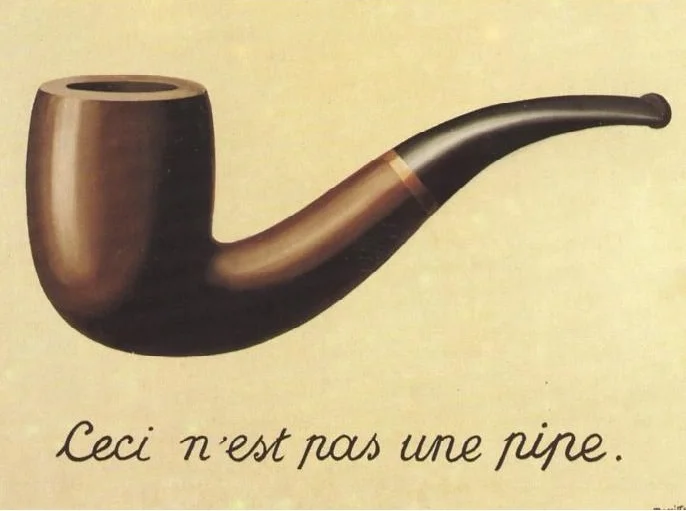
Art: Rene Magritte, La trahison des images, 1928–29, Image credit: Nad Renrel on Flickr.

Click here to subscribe to the blog

SlideMagic: a platform for magical presentations. Free student plan available. LEARN MORE
Over compensating

Over compensating

When a small startup wants to sell to a giant corporate, the startup's financial stability (or rather, lack of it) is often a big stumbling block. Spending slide after slide in your sales presentation about how financially stable and well-funded you are might just give the opposite impression. Maybe it is better to act and behave like a grown up company and the big corporate might just believe you (or "forget" that they are working with a fragile company).


SlideMagic: a platform for magical presentations. Free student plan available. LEARN MORE
Slide distraction

Slide distraction

The moment you click to a new slide, you will lose the connection with your audience for a moment.

  • Reading bullet point 1, 2, 3, and 4
  • Whoo, that is a pretty girl there in that picture, the colour of her sweater does not match her bag though.
  • Is that graph sales in billions? No, growth in percentages. OK
  • Why are these boxes not aligned? On purpose?

For a well-designed slide, this disconnect only lasts a few seconds. You glance at the visual, get the point, and move your attention back to the speaker.

But even for well-designed charts, I have heard the speaker going off track. The slide gets put up, and the speaker starts with an anecdote or a story (as every presentation expert is preaching to you to do), but there is a disconnect between the story and the visual. The audience is trying to make the connection between the blue square on the slide, and your anecdote involving 2 swans you saw when you were a child.

The solution is simple: quickly explain the big point of your slide (that blue square), and then feel free to wander of with your personal story.


SlideMagic: a platform for magical presentations. Free student plan available. LEARN MORE
The end of folder organization

The end of folder organization

The way I work with files is changing:

  • I stop organising downloads in carefully structured folder trees. If I need that bit of information again, I will find it again through search, or simply by sorting things chronologically. A time-based filing methods works actually pretty good over the course of 1 month
  • I use screen shots to move images between applications, rather than finding the image, importing, converting, resizing it.
  • For projects I am currently working on I create a folder that I pin to the left hand bar of the Finder (Apple's file manager), once the project is done the folder gets unpinned and disappears in the hard drive somewhere, only to be found via search.

Dropbox and Apple are trying to get me to give up version management by enabling file history. I do not use these features and use "save as" to create a new restore point for files, very 1990s.


SlideMagic: a platform for magical presentations. Free student plan available. LEARN MORE
Designing presentations for retina displays

Designing presentations for retina displays

Typographers had big debates when Apple launched the first iPads and iPhones with retina displays ("Retina" is the marketing name for a screen with such a high pixel density that your eyes cannot see individual pixels anymore). Retina displays are obviously different from low resolution screens, but - as the typographers discovered - are also different from paper/print.

I now see similar issues with large retina monitors. A traditional PowerPoint presentation with an Arial or Calibri font looks somehow off. You need lighter, thinner, crisper fonts. Macs have Helvetica light installed, but Windows machines not. Drop shadows look "dirty". Outlines around boxes look too heavy.

My guess is that Microsoft will fix the font issue in upcoming releases of Windows and Office products. But, if we fix the issue for computer screens, we are still left with this huge install base of crappy VGA overhead projectors in corporate conference rooms that never get replaced...

If you are working on a really important, one off, presentation find out about the screen you are going to present on and test your design. 


SlideMagic: a platform for magical presentations. Free student plan available. LEARN MORE
Presenting at a pitch competition: audience versus professional jury

Presenting at a pitch competition: audience versus professional jury

They are different. The audience will put more value on:

  • Entertainment value ("stunning" slides, unusual props, presentation style)
  • Emotional connection to your business idea (not-for-profit ideas do well)
  • Emotional connection to the speaker (is she sympathetic, an underdog taking on big bad forces in the world)
  • Whether they actually remember you after a long morning of pitches (most of the audience will not take notes)

The professional audience will put more value on the business potential of your idea.

Focus on the objective: winning the pitch competition, which is different than receiving a cheque.


SlideMagic: a platform for magical presentations. Free student plan available. LEARN MORE
The cover image that needs to say it all

The cover image that needs to say it all

The cover page of a presentation is an important page. It sits on the projector as the audience walks in the room. It is featured in the thumbnail of an email attachment. It sets the look and feel of your presentation.

Many clients want to have a cover page that says it all. A perfect image that reflects the entire story. In the absence of this image (99% of the cases), they want to do the next best thing: make a collage of smaller images that together tell the story.

I think it is better to pick just one, imperfect, image as a cover page. A collage of tiny images without explanation does not mean anything to the audience, and looks very cluttered. If people could get your message by just looking at a picture collage for 15 seconds, there would be no need for your presentation? 


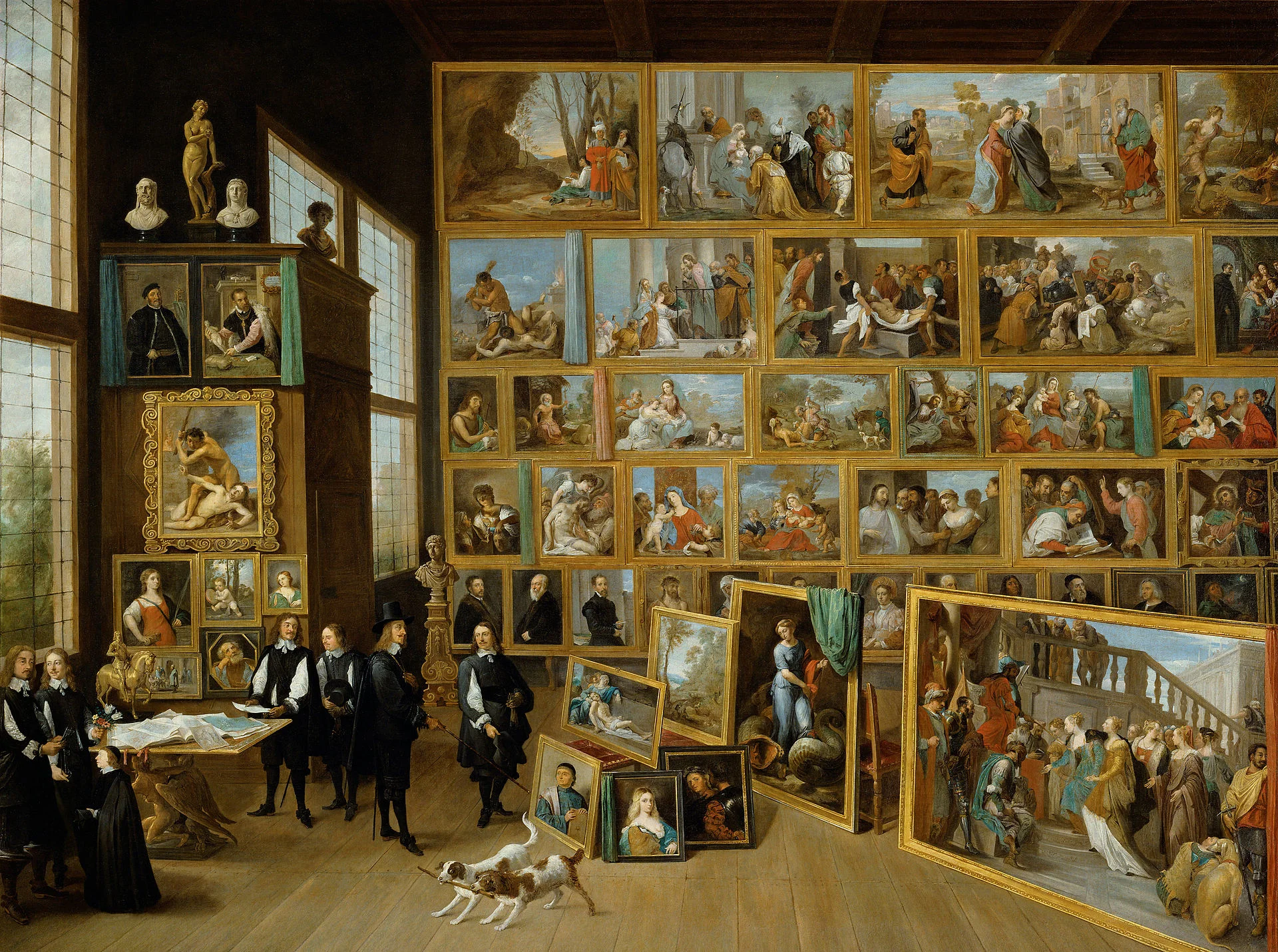
Art: David Teniers, The art collection of Leopold, 1651

Click here to subscribe to the blog

SlideMagic: a platform for magical presentations. Free student plan available. LEARN MORE
Missing: presentation skill teaching in schools

Missing: presentation skill teaching in schools

Presentations have become incredibly important in business:

  • It is harder to stand out to sell stuff. Fifty years ago, people would buy products from local, familiar suppliers. Now companies buy from suppliers across the globe.
  • The amount of new ideas is proliferating. Fifty years ago, you learned how your industry works and then spent 40 years working in it. Now, technology and creatively linking multiple disciplines give an endless flow of new business concepts that need explaining.
  • Good presenters get promoted in big corporates, good presenters manage to get funding fro their startups. Presenting is a key career skill.

Presentation design needs to be incorporated in the curriculum and include elements from traditional courses:

  1. Art, drawing, photography, typography
  2. Data visualisation (mathematics, economics, science)
  3. Psychology
  4. Literature, (story) writing
  5. Computer skills
  6. Acting

I can see that it is hard to implement drastic changes in the curriculum of schools. One solutions is to give students one big presentation project throughout the year, and have them work on it during lessons of existing classes (mathematics, economics, art, etc.).

I have worked with 15-16 year olds (as part of the MEET program here in Israel) and discovered that these kids - free of historical baggage of bullet points - are actually pretty good at designing bold visual slides. What needs work is the basics of pitching a business idea, and presentation delivery skills. 


SlideMagic: a platform for magical presentations. Free student plan available. LEARN MORE
The excitement sapper on the last page

The excitement sapper on the last page

A good pitch should be a crescendo of energy and excitement. Ideally it goes up all the way through the story. But it is hard to avoid even for the best story tellers that in the middle of the presentation the audience attention drops a bit. Make sure to bring everyone back to the tip of their chairs at the end tough.

A sure energy sapper is a last presentation slide full of bullet points that recap the entire presentation. "Oh no, he is going to read out the entire thing!" When the presenter is at bullet 2, the audience has finished reading the entire page full of things they already heard over the past 20 minutes.

A better approach is to repeat one crucial visual, diagram, image on the last page that reflects a key point in your presentation. It will be visual memory anchor point for your entire presentation. 


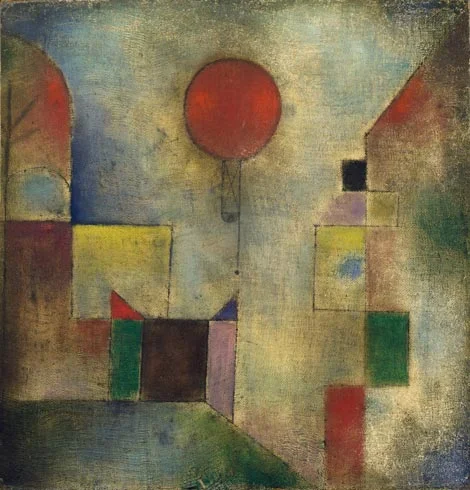
Art: Paul Klee, The Red Balloon, 1922

Click here to subscribe to the blog

SlideMagic: a platform for magical presentations. Free student plan available. LEARN MORE
No, online collaboration has not been solved yet

No, online collaboration has not been solved yet

SlideMagic is moving into the polishing phase, after which we can take off the invite-only beta sign up form the app. So far I have mainly focused on the slide design engine. Sloppy design is one big problem of modern business communication.

The other one is collaboration, version management, and sharing, which I am starting to think about more and more now. Email attachments are big. You are always looking for slides in old presentations. You can never keep track on how has access to your files in Dropbox. You are never sure that when you delete a file because of space constraints somewhere, it will also be deleted somewhere else. "Did I just share that file with the entire internet?" Where is that file in iCloud? Who remembers shared Lotus Notes databases from the 1990s? Mass multi-editor collaboration creates to the too-many-captains-on-ship problem.  Companies find it impossible to maintain clean slide templates, or up to date versions of slides. Full project management environments feel like corporate prisons where every action/edit has to go through an application.

There must be a smarter, much simpler, way to do this.


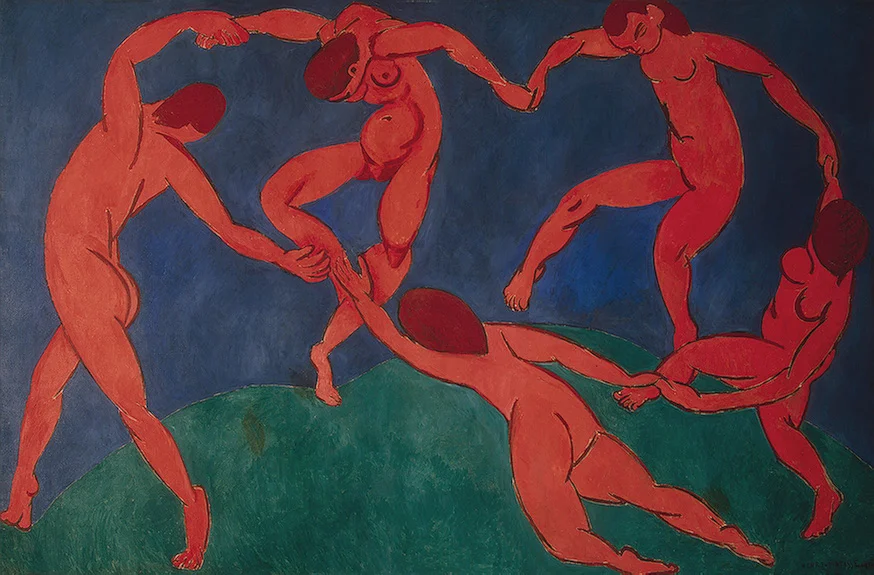
Art: Henri Matisse, Dance, 1910

Click here to subscribe to the blog

SlideMagic: a platform for magical presentations. Free student plan available. LEARN MORE
Speaker versus explanation notes on SlideMagic

Speaker versus explanation notes on SlideMagic

SlideMagic now has 2 types of notes for each slide:

  • Explanation notes can be added to the right of the slide (optionally) and are meant for explaining the content of the visual is nice fluid full sentences. In case the presenter cannot be there to explain things in person. They are nicely formatted.
  • Speaker notes are messy, huge bullets that serve as a reminder for the speaker during a live presentation. The bullets are visible to the speaker on the presenter window (not to the audience).


Art: George Jakobides, Two children playing peekaboo, 1895

Click here to subscribe to the blog

SlideMagic: a platform for magical presentations. Free student plan available. LEARN MORE
"We should add a few extra bullets"

"We should add a few extra bullets"

The time of a presentation is finite. You have 20 minutes, not more. So, if you discover that you did not address a certain issue, message in your presentation, you can only add it at the expense of other content.

Just "adding a few bullets about it on page 12" will have 2 implications:

  • Your extra point will not be made, because it does not feature strongly enough in the presentation
  • The power of whatever was already on slide 12 gets diluted by the extra visual clutter or more text

If it is an important point you need to make, make it at the expense of another. If it is not important, don't bother putting it in. Squeezing does not result in great presentation designs.


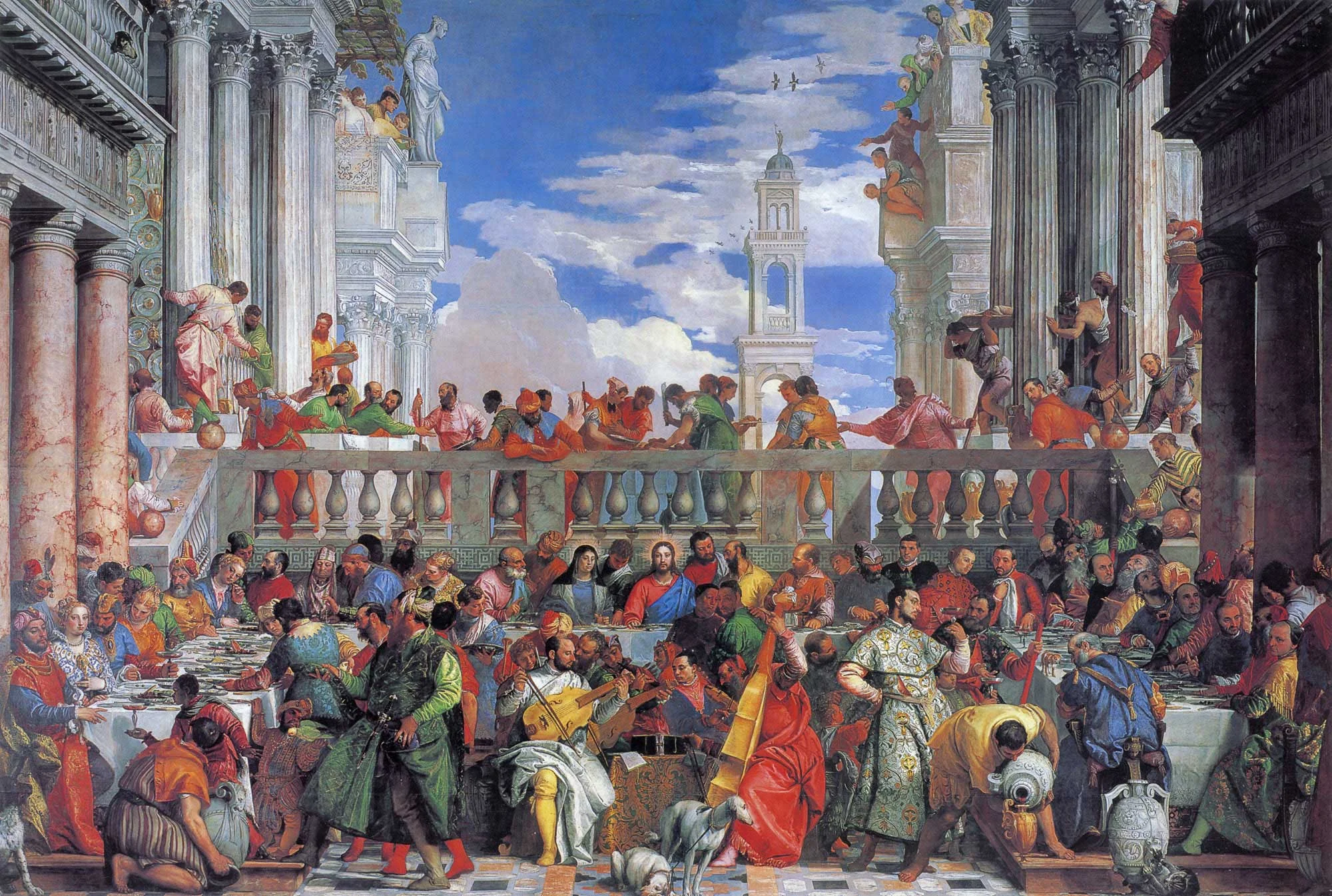
Art: Paolo Veronese, The Wedding at Cana, 1562

Click here to subscribe to the blog

SlideMagic: a platform for magical presentations. Free student plan available. LEARN MORE
Useful presentation design tools and resources

Useful presentation design tools and resources

As most of my clients outside Israel are enjoying the X-mas break, I have some time to clean up my web site further (no holiday here in Tel Aviv). I added a bunch of presentation design resources on the site.

  • Presentation design books. The flurry of new presentation design book releases seems to have faded a bit over the past years. Has all that needs to be said, been said, or did I miss anything?
  • Presentation design tools. A few neat software tools that can make the life of a presentation designer easier.
  • Sources of presentation images. There are more and more sites out there that offer free stock images under a creative commons license. These images are free, look real, BUT the library sizes are still small, and search is limited.
  • The blog search archive. Now that I moved away from Blogger, it is harder to add sidebars with search boxes, archive links, and tag clouds to the blog. Hence, the dedicated search page for access to 6.5 years of posts (more than 1700 in December 2014).

I hope you find it useful, and let me know suggestions to add more resources.


SlideMagic: a platform for magical presentations. Free student plan available. LEARN MORE
Happy holidays! (2015 versus 2010)

Happy holidays! (2015 versus 2010)

Here is my happy holidays post from December 2009, 5 years later, it is still highly relevant. Happy holidays!

I would like to wish all readers happy holidays and a healthy and prosperous 2010. From a presentation perspective, try to make a difference in 2010, for example:

If you are working in an organization with a conservative approach to presentations, try to find an opportunity to demonstrate a different way to get your message across, spreading the ideas we talk about here to more people.

If you are a professional presentation designer, consider donating some of your time to a really important cause and design the best possible presentation for it.
— http://www.slidemagic.com/blog/2009/12/best-wishes-for-2010.html

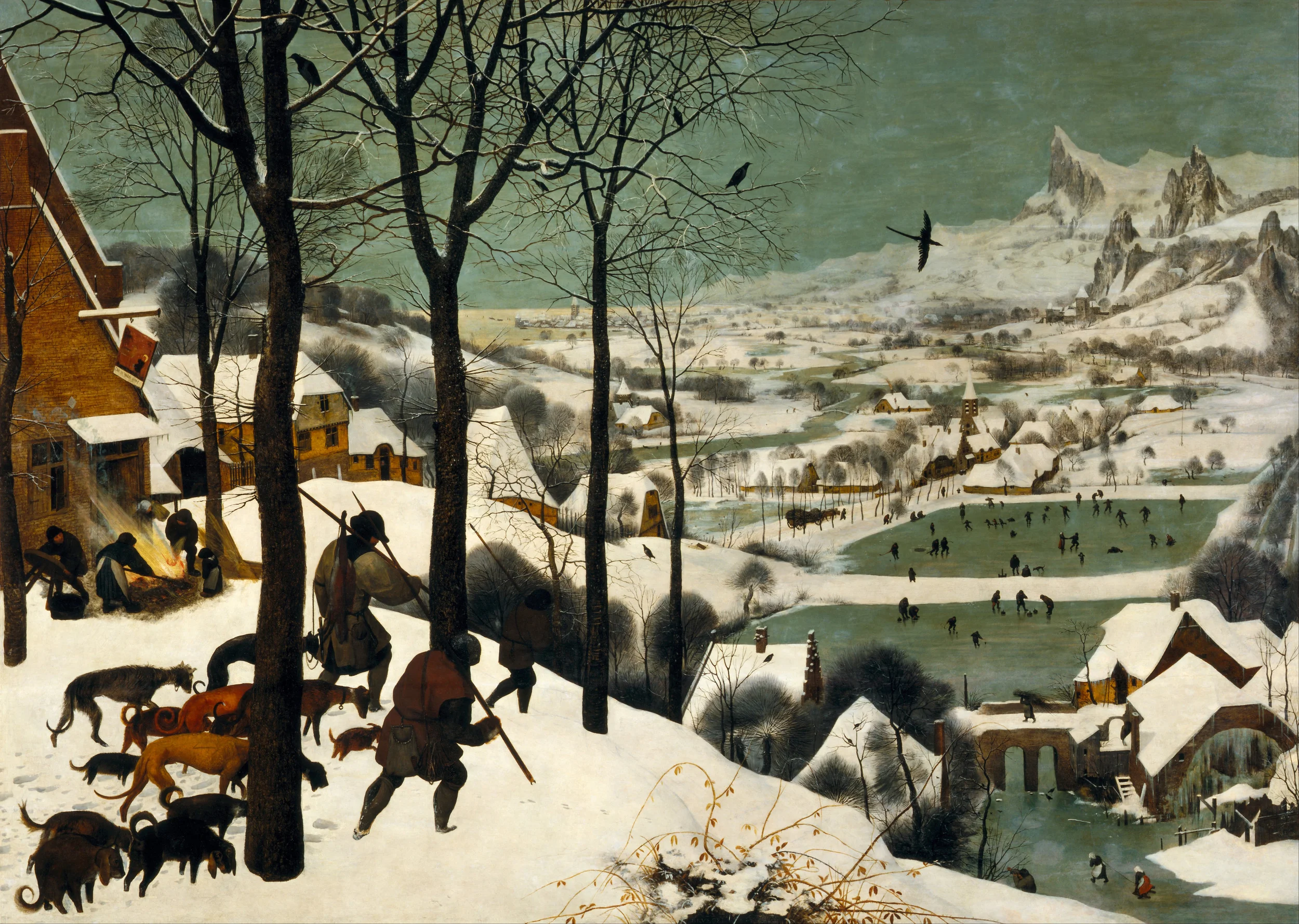
Art: Pieter Breugel the Elder, 1565, Hunters in the snow

Click here to subscribe to the blog

SlideMagic: a platform for magical presentations. Free student plan available. LEARN MORE
New SlideMagic features

New SlideMagic features

Over the past weeks we have quietly updated SlideMagic. Some workflows will go faster now (you can now change another shape without having to back to the main menu bar, you can drag and drop in story mode), and some bugs have been fixed. There were 2 bigger features deployed a few days ago.


Automatic flipping to a dark background (and back)

Working with limited colour combinations has its advantages: your slides will always look great. But it allows us to do other things as well, we can automatically convert your presentation to a dark background (on click) to make it more suitable for larger audiences where you do not want the speaker to be overpowered by a huge white screen. Once you are done, -click- and you are back to conference room friendly white.


Image manipulation

Most presentation design software is loaded with image manipulation functionality, including the ability to stretch and distort the aspect ratio of a photography. SlideMagic only offers the image manipulation you need most: a horizontal flip, blurring, and black and white conversion. All of which are reversible.

Personally, I use the B&W conversion a lot. Wherever I can, I prefer working with black and white images.


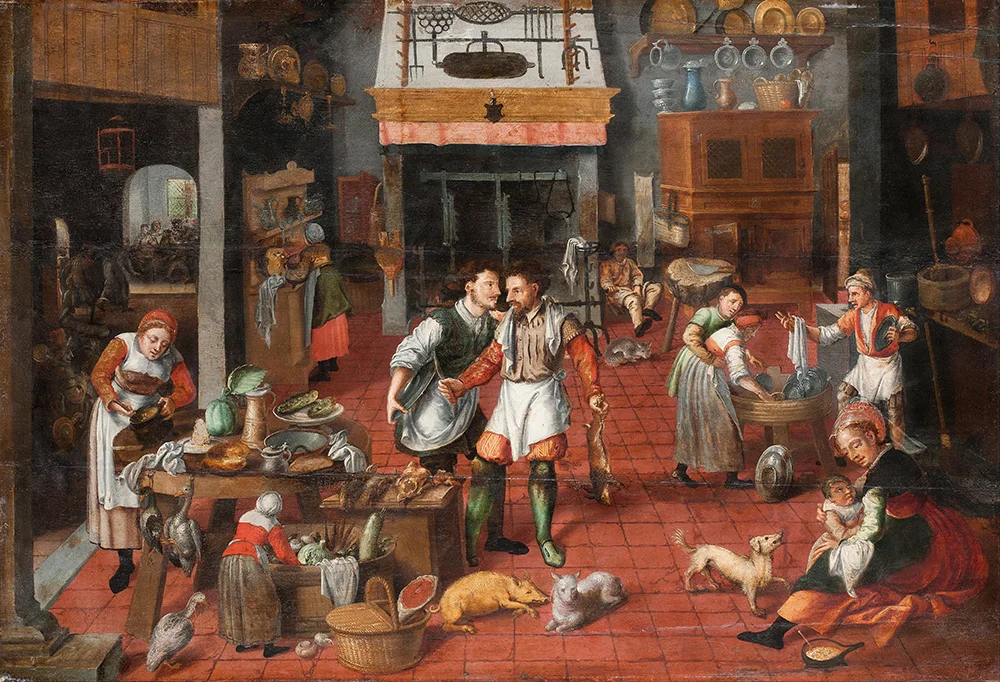
Art: Maarten van Cleve, Kitchen Interior, circa 1565

Click here to subscribe to the blog

SlideMagic: a platform for magical presentations. Free student plan available. LEARN MORE
How to pitch a VC, according to VCs...

How to pitch a VC, according to VCs...

There is no better person to get VC pitch advice from then the people who sit at the receiving end of your presentation. Here are startup VC pitch suggestions from a few well known people in the industry. Click on the image to see what to they have to say.


Mark Suster, Upfront Ventures

Mark Suster, Upfront Ventures

Dave McGlure, 500 Startups

Dave McGlure, 500 Startups


Paul Graham, Y Combinator

Paul Graham, Y Combinator

David Rose, angel investor

David Rose, angel investor


Reid Hoffman, LinkedIn

Reid Hoffman, LinkedIn

Vinod Khosla, Khosla Ventures

Vinod Khosla, Khosla Ventures


SlideMagic: a platform for magical presentations. Free student plan available. LEARN MORE
Lawyers, politicians, doctors, priests, and corporate executives...

Lawyers, politicians, doctors, priests, and corporate executives...

...They all have their own traditional language. Complicated contracts, evasive and woolly statements, illegible prescriptions, religious books only written in Latin, and bullet point-filled PowerPoint presentations full of jargon and buzzwords. These languages were formed by tradition, and some may argue are here to protect a profession (who needs a lawyer when you can seal agreements with a simple paragraph?). 

And yes, I put business presentations in the same category. Change is already happening. Formal letters are replaced by short, informal emails. The woolly Microsoft Word long hand memo was replaced by PowerPoint bullets. And for very important presentations (1% of the total?), businesses start investing in visual, custom designed, presentations (the work I do under the Idea Transplant name)

But change can go further.  The other 99% of business presentations can be different as well. These documents do not have to be graphically stunning, loaded with the latest animation and zooming effects, or full of exciting video clips. They need to look good, and they need to have a clear, crisp, direct, visual language.

It requires a change in the corporate language that corporate executives are using. And making that change is hard. Requiring a new complicated piece of software for it would kill the change before it even starts. The idea behind my presentation design app SlideMagic is to stop comparing business language to that used by lawyers, politicians, doctors, and priests...

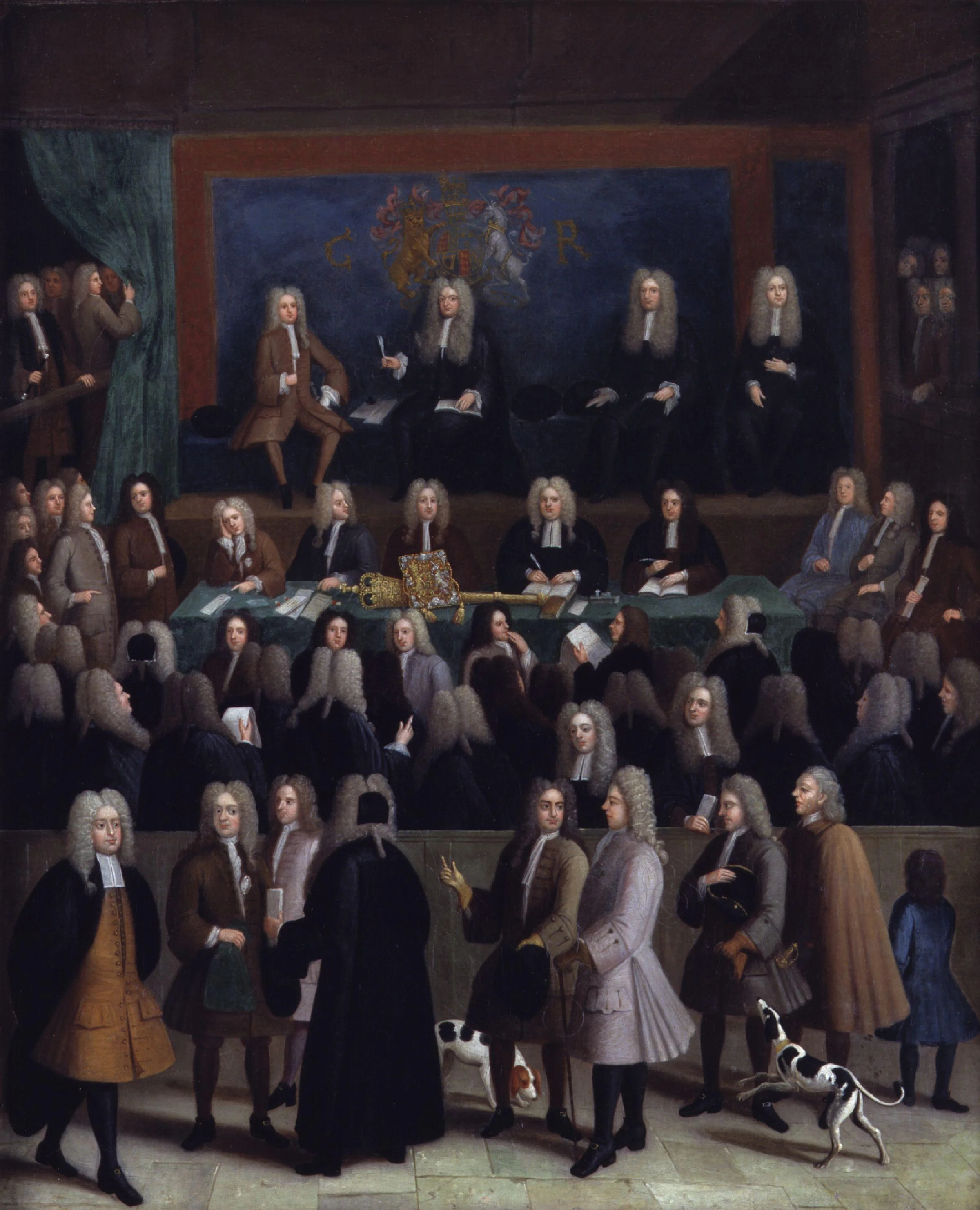
Art: Benjamin Ferrers, The Court of Chancery during the reign of George I, circa 1725

Click here to subscribe to the blog

SlideMagic: a platform for magical presentations. Free student plan available. LEARN MORE
Your own style

Your own style

After years of design work, many of my presentations start to develop a similar signature style or look-and-feel. (Secret: it looks remarkably close to the templates in SlideMagic). I think there is nothing wrong with that: you can easily recognise the work of famous poster designers, painters, architects. Presentation designers should be no exception.

I would encourage you to find your own signature style. Once you have figured out a distinctive way to make any chart look good, you are free to focus on its content. No need to worry about fonts, image crops, data chart layouts, and all the time to worry about composition, content, what image to put and what data to visualise.

Art: detail of Gustav Klimt, The Kiss, 1908

Click here to subscribe to the blog
SlideMagic: a platform for magical presentations. Free student plan available. LEARN MORE