I like to frame images

I like to frame images

Big, confident images look better on a presentation slide. The maximum size of your image is achieved when you let it "bleed" of the page (the term comes from the age of print, where the ink would drip of the corner).

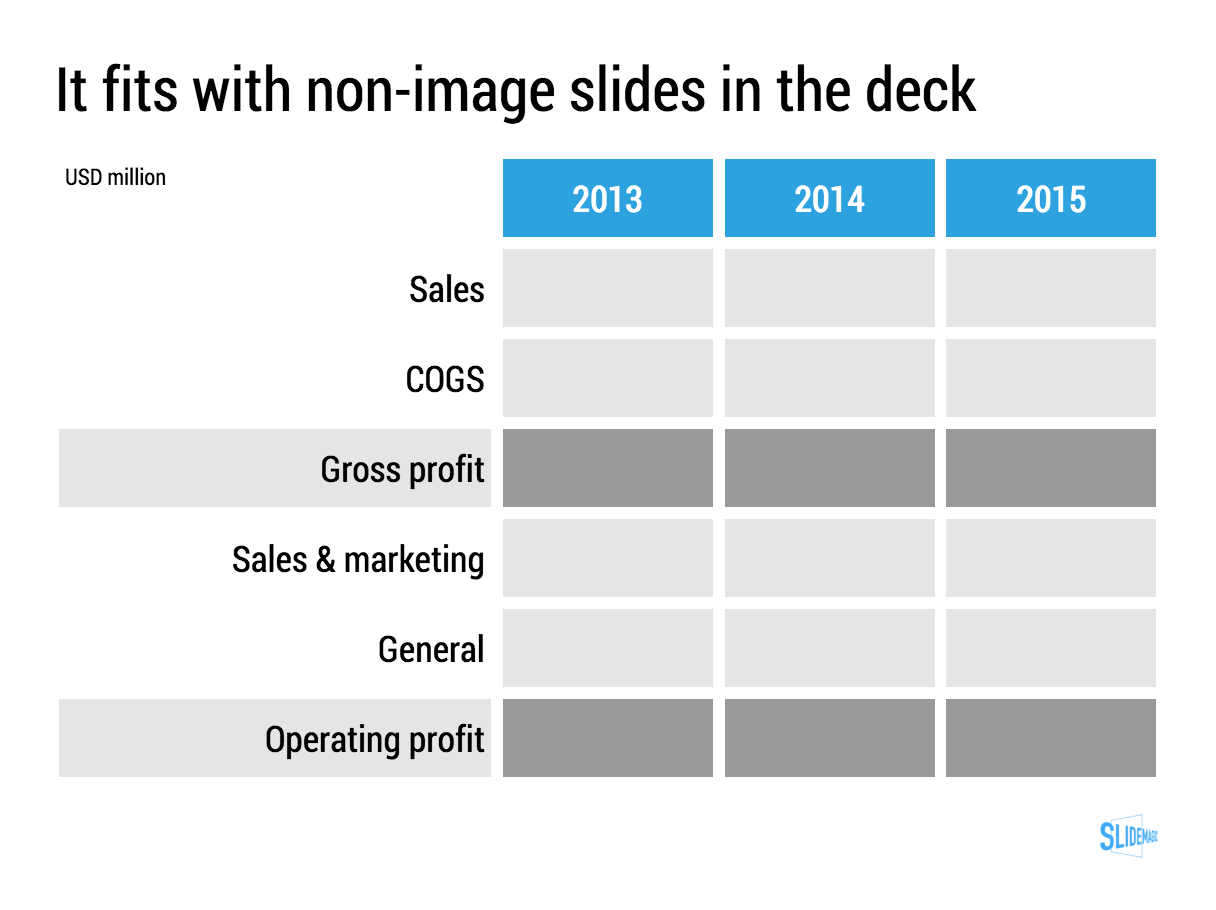
These full size images look great if your presentation is just images. In most cases, my client work is not. Hence, I prefer to frame my images within a box of white (or black). Some people say it is bad practice, I disagree:

  • You do not have to worry about legibility of slide titles
  • Photo slides look consistent with other slides in the presentation
  • I think, it actually looks very distinguised

My presentation app SlideMagic caters for both formats, so don't worry if you disagree with me. You can clone the slides below (and all other slides I have used on the blog) into your own SlideMagic presentation via this link.


The image was found on unsplash, free images under a do-whatever-you-want license

SlideMagic: a platform for magical presentations. Free student plan available. LEARN MORE
Pitch to self versus pitch to customer

Pitch to self versus pitch to customer

Many marketing documents are written to pitch to the author, not the potential customer. When pitching to yourself:

  • You do not have to explain what your solution actually does, you know it already
  • You can boil down critical aspects of the pitch in just a few "place holder words". Reading them will trigger your memory to pull up 15 pages of value proposition in a nano second
  • You have a lot of different customer segments to worry about, so you dilute the story a bit to appeal to as many different customers there are, emphasising a few extra benefits here and there
  • You do not have to explain technical marketing jargon, as an expert you know it all

Think about this.


Image: Hollywood actress Constance Talmadge, head-and-shoulders portrait, facing right, looking into mirror.

SlideMagic: a platform for magical presentations. Free student plan available. LEARN MORE
Lining up logos with tag lines

Lining up logos with tag lines

Often, graphics design is about details. It is difficult to pin down why something just does not look right. The answer: small little things. See the bottom of a magazine ad below. The logos on the left and right have tag lines/sub brands: above on the left, and below on the right. The graphics designer simply centred the image files, but our eyes wants to centre not the entire image, but the main text of the logo. It looks like the logo on the right is positioned too high.

If you cannot get excited by this you should not become a graphics designer...


Illustration: Gemini constellation

SlideMagic: a platform for magical presentations. Free student plan available. LEARN MORE
No, also presentations cannot be designed by committee

No, also presentations cannot be designed by committee

Marketing, Investor relations, corporate communications, business development, everyone likes to have a say in the design of the next keynote address of the CEO at that important industry conference.

When the team "works" on a presentation, you usually get the following pattern:

  • Long meetings in a conference room, with a few people dialing in by phone (people who cannot see the slides), discussing the key messages on each slide
  • Long email exchanges without an organised discussion thread to log changes

Design by committee also does not work for presentations. Here is why it goes wrong:

  • In the end, you need to pick a consistent approach to the story. Mixing and matching parts of approach A and parts of approach B is not going to give you a "best of both worlds" result. The only way to get something consistent is to have one person write it.
  • A committee focuses on the slides, adding footnotes, changing headlines, shuffling the order. And while doing that, they feel like they are "programming" the verbatim of the CEO (who is not in the room). Wrong, in the end the CEO will pick his own story, sometimes despite the slides.
  • In a committee there is no one doing the real work, at the end of the meeting, the most junior person at the table probably gets tasked with "incorporate all comments into a new version and email it around by 9AM". That junior person might have dropped / not understood a few comments, and probably lacks the spine to push back against more senior executive in the company (who made a point that does not make sense).
  • You will for sure miss the contribution of introverts
  • The casual observer in a committee meeting often does not have the in-depth understanding of how the presentation is built, and what is written on which slide. As a result, noticing that important elements are missing, she will suggest to add comments, bubbles, and footnotes on random slides to make sure that the key messages are "at least written down somewhere".
  • Committees under time pressure like to give drastic input. After a 3 hour discussion: "oh yeah, the deck is too long, collapse 35 slides into 10", leaving the junior team member confused what to do.

A better approach:

  • Interview the CEO/the person who is actually going to give the talk
  • Get the committee together and "shake the tree" for all messages and issues that need to be included
  • Now, design the whole deck start to finish
  • Then ask input from the committee and be tough with accepting comments

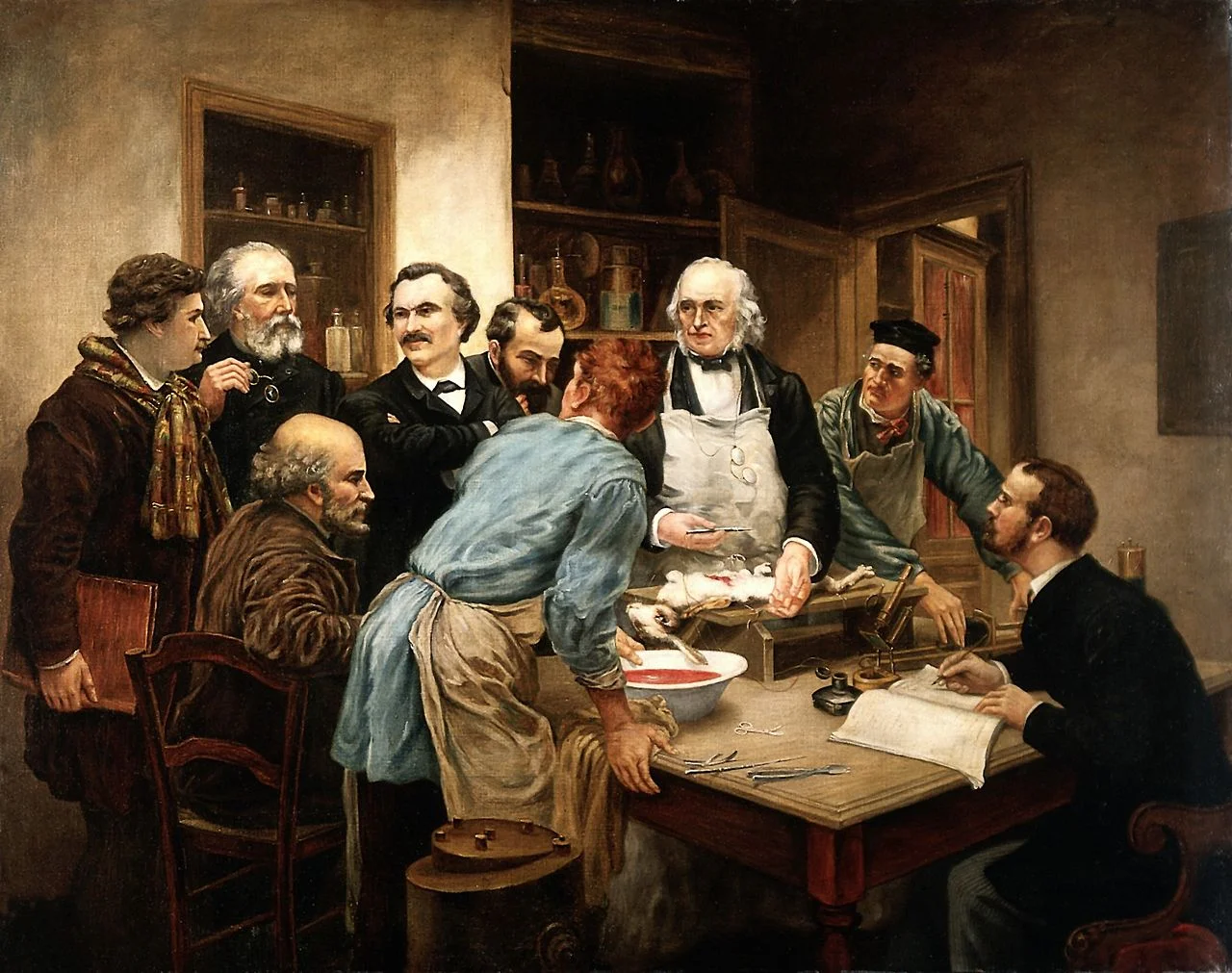
Art: Claude Bernard and his pupils. Oil painting after Léon-Augus Wellcome

SlideMagic: a platform for magical presentations. Free student plan available. LEARN MORE
Multiple weak signals make a strong one

Multiple weak signals make a strong one

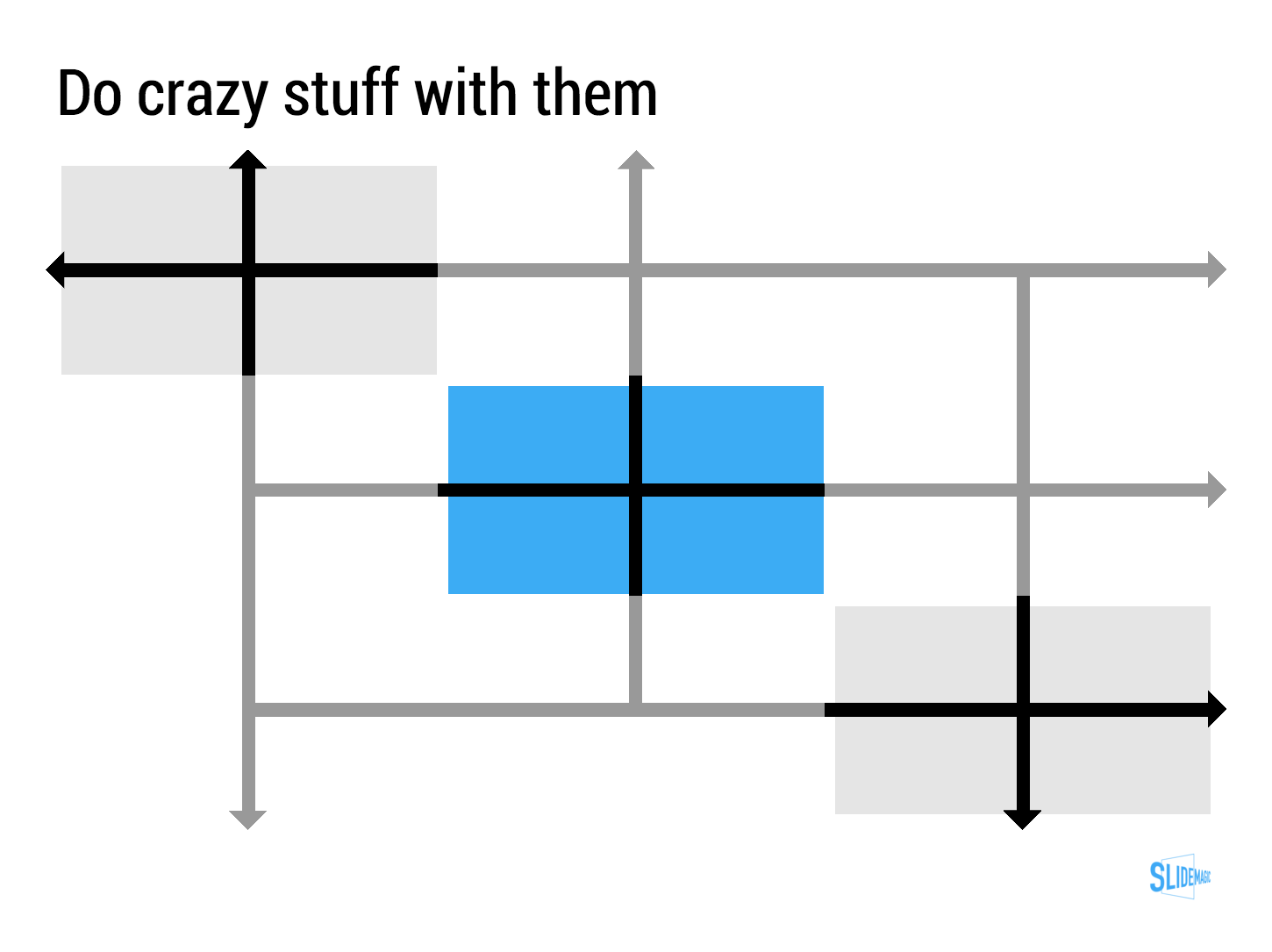
I played around with the new "connectors" in my presentation app SlideMagic and used them to create a chart that visualises how multiple weak signals can come together into a strong one. I have added this chart to the SlideMagic template with charts that I discussed on the blog, you can clone it to your SlideMagic account here.


SlideMagic: a platform for magical presentations. Free student plan available. LEARN MORE
The slides from my talk at Microsoft TLV

The slides from my talk at Microsoft TLV

The accelerator of Microsoft Ventures Tel Aviv invited me to speak this week. I used my presentation app SlideMagic for the design and presentation of the slides (in the lion's den of PowerPoint). You can view and clone the slides to your own SlideMagic account here. If you do not have an account yet, the app will let you create one.

Some of these slides are hard to understand without verbal explanation. But, this presentation pretty much follows the narrative of my book about presentation design. Check it out, it is free to read.

SlideMagic: a platform for magical presentations. Free student plan available. LEARN MORE
Where to put the team page?

Where to put the team page?

This is the dilemma in many investor presentations, in the front, in the back? Usually, I put the team slide in the second half of the presentation, after you tackled the pitch of the problem/solution. The slide sits in the "about" section, alongside financials, organisation, milestones, etc.

There are exceptions, here are some reasons to put your team slide in the front:

  • The team is actually the key story of the pitch: if your company consists of unusual people (the former this, the former that), than better start with it right
  • The majority of your team is sitting in the room, physically. A team slide upfront is a great background for the introduction of your people
  • Your company is all about combining different disciplines, which have never been combined before. A time slide (specifically designed to show the cross-functional expertise) might help support this point.

I usually design 2 versions of the team slide:

  • A summary slide that highlights the main message about team that you want to emphasise (we worked together for 5 years before, we worked for very important companies before, each of us has 5 patents, etc.)
  • In the appendix of the document a more elaborate, traditional CV description of the backgrounds, you can use font size 8 here.

Art: Scotland Forever! by Elizabeth Thompson, 1881

SlideMagic: a platform for magical presentations. Free student plan available. LEARN MORE
Don't fill the time because you can

Don't fill the time because you can

"How much time do I have?" is the first question many speakers ask when getting invited to speak at an event. It is an important question: a 5 minute presentation is dramatically different from a 20 minute one. Beyond 20 minutes though, it does not make that much of a difference. These presentations are "long". I very much doubt that you will do a better job in convincing your audience in 60 minutes than in 20. In fact the opposite might be true.

If you get offered a 60 minute slot, ask yourself whether you really need it, or you should cut it to 20-30 minutes instead.


Image taken from WikiPedia

SlideMagic: a platform for magical presentations. Free student plan available. LEARN MORE
Breathe

Breathe

If you answer a question with lots and lots and lots and lots of information, and can indicate a number of things:

  • You know a lot about the substance
  • You are insecure
  • You don't really know the answer and try to talk around it
  • You will be difficult to work with because it is hard to interrupt you and engage in a dialogue
  • You did not understand the question fully and try to make sure to answer any related question

Better to answer that question short and to the point.


Art: Joseph Ducreux, Self Portrait, 1783

SlideMagic: a platform for magical presentations. Free student plan available. LEARN MORE
Watch out with "super slick"

Watch out with "super slick"

Many of my clients start our conversation with a request for a "super slick" presentation. I think "slick" is not the most important requirement of a business presentation. I usually go for a restrained, professional look. Here is why too much slickness might backfire:

  • Nobody trusts a smooth talking politician or car salesman. Super slick graphics might just give the impression that there is something to hide.
  • Spectacular moving visual effects might just make the audience giggle, because it sort seems out of place for the setting of a small conference room presentation
  • Complex graphics create technical and practical problems. They take a lot of space making it harder to share documents, videos often go wrong in live presentations, breaking the flow/momentum of a pitch, custom-made graphics are hard to edit and change (presentations are living creations that change all the time), fonts always create problems when they are not installed properly
  • "The cliff": often I see incredibly sophisticated presentation starts (slide, 1, 2, 3), but pages 4 to 50 look incredibly boring with standard bullet point slides.
  • Often the key to a pitch is not a dramatic trend, but a small, clever innovation that makes you stand out. Investing a lot of time (and money) in visualising a mega trend that is already pretty obvious to everyone ("facebook is big" for example) is a waste of effort and takes the attention away from the really important point in your presentation

"Slick" does not always help to make your message clear.


Image taken from WikiPedia

SlideMagic: a platform for magical presentations. Free student plan available. LEARN MORE
Free presentation design resources

Free presentation design resources

This may sound like a link bait title, but there is a lot of useful stuff buried in the archives of my blog that is there free for you to use. Click the "3 dots" at the top right of the site to access a drop down menu with more options. Among them: 

And of course there is the full version of my book about presentation design that can be accessed free of charge.


Art: Jan Davidsz. de Heem, Still-Life of Books, 1628

SlideMagic: a platform for magical presentations. Free student plan available. LEARN MORE
What makes a presentation look professional?

What makes a presentation look professional?

It is hard to nail down why good design looks good, and poor design does not. We see it, but articulating why, it is hard. A good designer has an "eye" for design (a combination of talent and experience) to make things just look right.

Having said that, here are some of the things to pay attention to. 

  • Layout along a grid, everything is spaced out, lines up
  • Restraint:
    • Colours, not too many
    • White space, have the courage to leave things blank
    • Font sizes, maybe smaller is better than screaming big, if it adds white space to the page
  • Limited number of words per line (10 points text on a 16:9 slide spanning the entire width does not read very well) and carefully selected line breaks
  • Nice images that set the right mood (avoid cliche stock images)
  • Use vertical positioning as well as horizontal ones (a different way of saying there are more slide compositions than lists)
  • People thought about every word, sentence, shape on the page. Changed it, repositioned it. Changed it again. Good slides very rarely come out right in the first iteration.

All the above can be found in any design book. We read it, we understand it, and still when opening a PowerPoint template when we are back at work, we ignore pretty much all the rules.

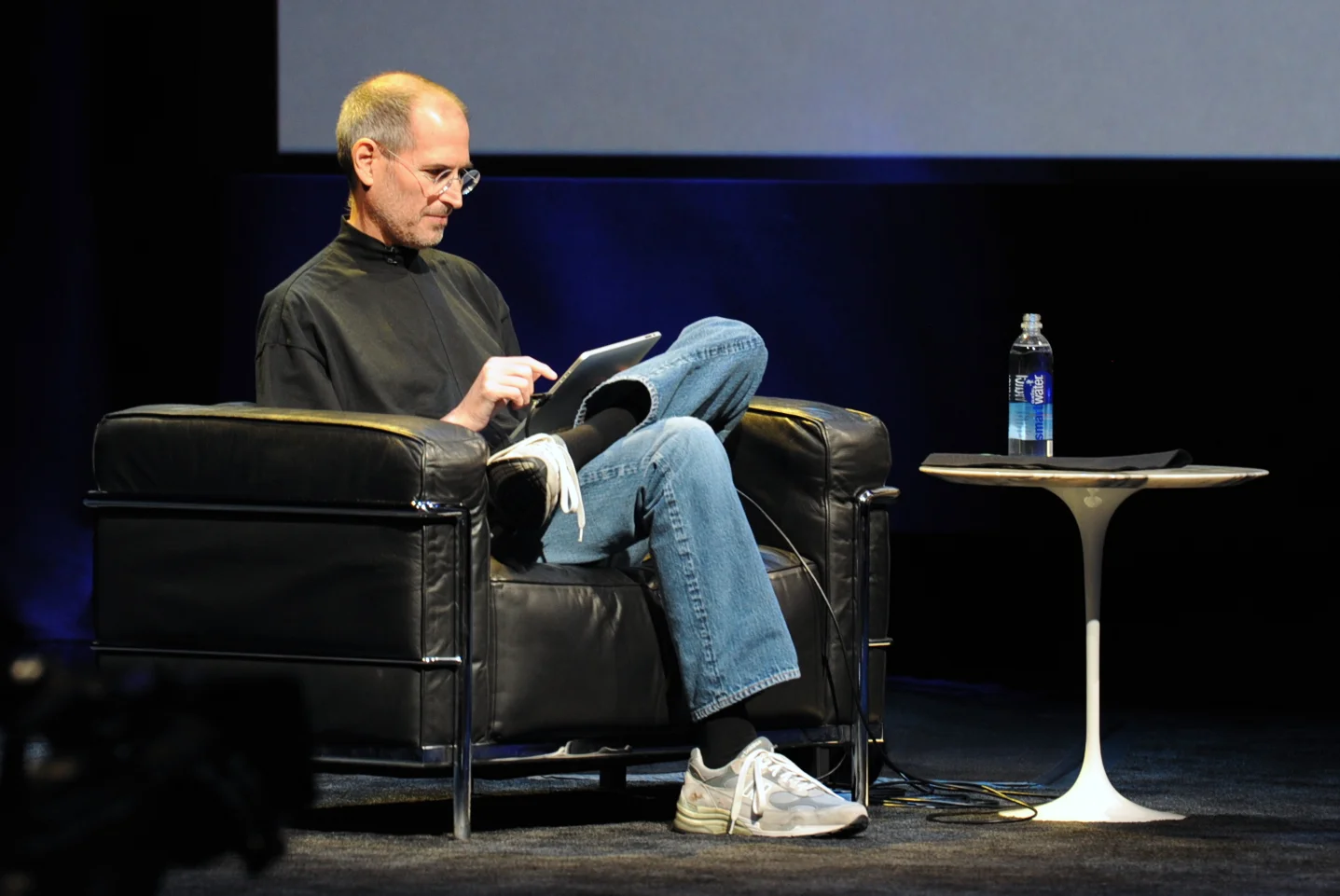
A good exercise could be to make one slide (just one), look exactly like a poster designed by a Swiss graphic designer from the 1960s that you like, or maybe like a slide that Steve Jobs used once. Push yourself really hard until the style is identical. You will be surprised by the amount of changes you need to apply to your design.

And hey, my presentation design app SlideMagic makes sure you stay on the right path. Try it out.


Art: Georges Croegaert - The Philatelist

SlideMagic: a platform for magical presentations. Free student plan available. LEARN MORE
"The technology is not important"

"The technology is not important"

Founders tend to cut out slides about the technology of a startup in an investor presentation. Too detailed, too difficult, they (potential investors) won't understand.

But I usually push back. In early stage startups, the technology is actually almost the only asset the company has. And, every technology, yes every technology can be explained and understood (it is a presenter problem, not an audience problem). Believing that you can't might also cause huge offense with your potential investor.

And there is the opportunity to show how clever your platform is. Here are some steps that I usually take when presenting technology to investors:

  • Find out what bits are interesting, innovative, and what bits are not. In IT for example, there is usually some process: we load the data, we do this to it, then store it there, sync it here. But usually, one of these steps is the clever one. An approach to an algorithm nobody has taken before for example.
  • Dive really deep into the interesting bits, and leave everything else at a higher level. Invent, show a case example where your technology comes up wit something counter intuitive, unexpected.
  • Quantify, make it tangible where possible. If this is big data, show how much data you need to process.
  • Clean up diagrams (architectures, process flows), re size boxes, align them on a grid, group things that belong together, use colours. You will notice that even the most complicated architectures can be visualised in a simple way. Listen to how the "technical guy" talks you through his diagrams. Often it will be completely different from what is on the slide. Ditch the existing visual diagram and visualise the verbal one. 

Art: In England, artist Francis Barraud (1856-1924) painted his brother's dog Nipper listening to the horn of an early phonograph during the winter of 1898. Victor Talking Machine Company began using the symbol in 1900, and Nipper joined the RCA family in 1929.

SlideMagic: a platform for magical presentations. Free student plan available. LEARN MORE
A nice pie chart background

A nice pie chart background

I saw this pie chart in the presentation below (full of interesting Internet stats). It is interesting to extent the chart into its own background. It is easy to recreate with some triangles and rectangles, you need to fiddle a bit with the angles of the triangles to get it right.

Here is the full presentation in case you are interested:


Art: Still Life with Turkey Pie, 1627, Pieter Claesz

SlideMagic: a platform for magical presentations. Free student plan available. LEARN MORE
Arrows in SlideMagic

Arrows in SlideMagic

Based on many requests, we deployed the ability to create arrows in SlideMagic. You will notice a more elaborate user interface when working with connector objects. Try them out and let me know what you think.


Art: Guido Reni, Reclining Venus with Cupid, 1639

SlideMagic: a platform for magical presentations. Free student plan available. LEARN MORE
Presentations on mobile devices - taking stock

Presentations on mobile devices - taking stock

Five years after the iPad launch let's take a step back and see what is actually happening in the world of presentation software and the use of mobile devices. My observations are based on the people I see around me everyday: startup employees (mostly mid 30s to 40s) and staff in big corporates (a bit older).

  • Designing. Apple has made a big inroad in terms of hardware, but it is still PowerPoint that runs on a laptop machine that is the preferred set up to create slides. I have not encountered anyone who uses a mobile device to do this. Apple Keynote is pretty much still a niche application.
  • Frankensteining / finding stuff. Cloud-based file systems can be confusing to use. I still do not understand exactly what happens when Keynote on iPad tells me it is converting a regular Keynote file. In practice, the file system that everyone is using is.... the email inbox and sent box. People with gmail can find stuff faster than Outlook users.
  • Viewing. Yes, more and more, people use their mobile devices to view a presentation. And it is not the iPad, a tablet, it is the mobile phone, where people squint to see what is in the slides. These are investors looking at a pitch deck, these are managers/superiors proving input on a slide. Think about it, this might be a more important audience for your slides than the ones sitting in conference room.
  • Emergency edits. Still laptop, although a tablet could work here, few people use it in a corporate setting.
  • Coffee chat, 1 on 1. Mostly laptop, I see fewer iPad/tablets than I saw 1-2 years ago.
  • Conference room. Laptop. The crappy VGA projector is being replaced by crappy LCD screens. Presentations that look beautiful on your retina display, look absolutely horrible on an LCD screen with poor resolution and overly bright settings. (Test, test, test). Advanced meeting rooms now allow you to airplay your presentations into the screen. People use their laptops to do this, not their mobile devices.
  • Big keynote. Conference laptop with a memory stick plugged in.

So what is really changing? People are viewing decks on mobile phones, especially busy people that might not be overly motivated to see your pitch (investors in round 0 of the due diligence process for example).

Presentation gurus like me used to discourage dense bullet points because you can't (too small) and don't want (too boring) to read them in the back row. Now it is a bit more subtle. You can't read small text on a mobile screen. But, more and more desks are read without a presenter being present and you actually need some text to explain things properly.

In SlideMagic, I encourage big, bold, but extremely simple designs (that will come through nicely on a mobile device), plus I left space on the side for a regular explanation paragraph.


Image on WikiPedia


SlideMagic: a platform for magical presentations. Free student plan available. LEARN MORE
"I don't believe you"

"I don't believe you"

The other day I had a frank discussion with a client. Usually, when an investor does not believe you, she might ask a polite clarification question, leave some hints in her body language, but most of the times, probably move on.

When preparing the pitch, we can be more frank. The answers to the "I don't believe you" point were as follows.

  • Repeat the description of what the system can do one more time. But I understand that that is what the system is supposed to do, I just don't believe it can deliver.
  • Remind me of the credibility founder. Yes, the track record of the entrepreneur is very impressive, and no, I have not doubted a single second that there was an issue with the management team. I am just suspicious that the technology cannot deliver what it promises.
  • State that my question is really, really easy to address, but that I fail to understand the big questions that I should be asking: how to make money of this. (And then the second question is answered, not the first one).

Answer the investor's question, even if you think it is not a smart one, or the right one. If not answered, you will have had a nice meeting, but blocked the door to the next step in the due diligence process.


Text: "The Ghent Altarpiece - Singing Angels (detail)" by Jan van Eyck (circa 1390–1441) 

SlideMagic: a platform for magical presentations. Free student plan available. LEARN MORE
Let go

Let go

Some presentations stay in use for years. The designer has made small updates to slides, but overall the document has not changed. While the slides are more or less the same, the story probably has moved on.

Signs that this is the case:

  • The presenter puts the first slide on, and then runs the entire presentation without clicking to the next slide
  • The presenter discounts every slide, "what this slide really should say is [this] and [that]"
  • The presenter skips through the presentation

If this is happening, it is time to let go of the presentation and create a new one from scratch. A fresh presentation that follows the narrative of your latest story.

I tried doing this the other day, but when asked for feedback, I got the old presentation back with bullet point added here and there, because "it was more familiar to edit" than the new one. I am going to push back. 


SlideMagic: a platform for magical presentations. Free student plan available. LEARN MORE
When it does not work out

When it does not work out

I design probably around 100 presentations per year and over the past decade or so there have been a few projects (out of 1000+) where it did not work out between me and the client. 

  • The biggest one: the story was actually not that compelling. Even the best design effort can turn a poor story into a great one
  • The client insisting on very remote, forced, unnatural visual analogies. 
  • The client insisting on overly "spectacular" animations and graphics (1. I think they do not add anything to the story, the opposite is probably true, and 2. they are hard to do in PowerPoint).
  • Not being at the core of the design process, when you are 2-3 steps away from another team that is writing the story and designing slides.

SlideMagic: a platform for magical presentations. Free student plan available. LEARN MORE
How to recover lost PowerPoint 2016 files after a crash

How to recover lost PowerPoint 2016 files after a crash

Note: this blog post discusses PowerPoint 2016 for Mac.

PowerPoint 2016 is great, but it still crashes left right and centre, all the time. Autorecovery does not always work, and when you forgot to hit SAVE every 5 minutes in the heat of a presentation design project, you are stuck.

The good news: you can often recover data, even when PowerPoint thinks it is lost.

PowerPoint autosaves your files in the background, without your realising it. Make sure you have switched this on, you can set the save interval in PowerPoint settings:

Normally after a crash, PowerPoint will automatically restart and present you with the last file that was auto saved. Normally... If not, try the following.

  • In the Mac finder window, open the "Go" drop down, press ALT, to show the LIBRARY folder and click it.
  • Once in Library, go to  Containers > com.microsoft.Powerpoint > Data > Library > Preferences > AutoRecovery
  • Have a look at the files there and spot a file with a "_autorecover" ending to its name, taking into account the time it was saved.
  • Copy this file just to make sure
  • Rename this copied file with the ".pptm" extension at the end. Ignore all warnings you are presented with.
  • Double click the file and cross your fingers

There is no 100% guarantee this will work, but it is worth a try

One more tip: as soon as you see the small "spiral of death" spinning across the PowerPoint screen develop the instant reaction to take a screen shot of the application. If you are lucky and you grab the slide sorter window, you have captured a miniature icon of all your slides, which should save a lot of time recreating them. Worst case, you just got the thumbnails on the left of your screen that are in the regular slide editing window.

My presentation design tool SlideMagic is a PowerPoint alternative that does not work with files in the classical way. Things get saved into the cloud instantly. Feel free to try it out.


Art: Letters "Whaam" inspired by Roy Lichentstein

SlideMagic: a platform for magical presentations. Free student plan available. LEARN MORE